1/ Change your LDAP password
Go to https://comptes.iamm.fr/ , Authenticate yourself then enter the new password
Change the Windows password
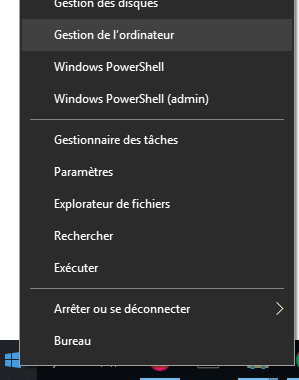
- Right-click on the Windows icon in the bottom left of your screen
- Select ‘Computer Management’
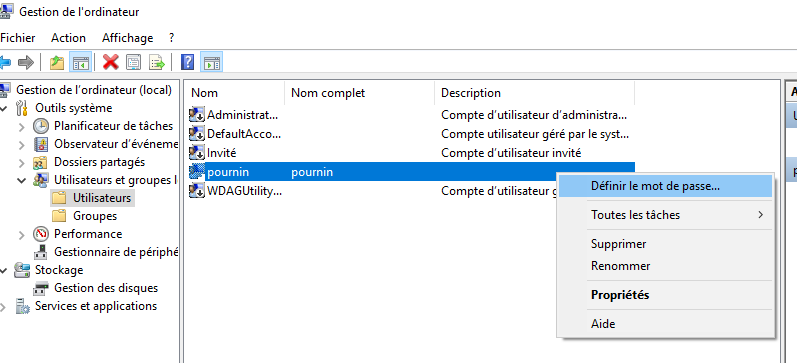
- Once the tool is open, click on ‘Users and groups’ then the ‘Users’ folder.’
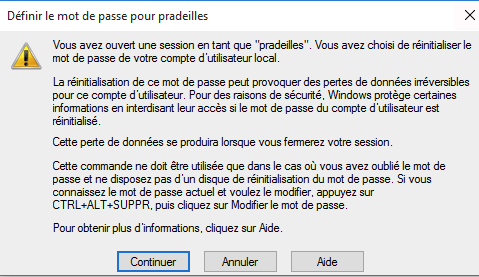
- Right-click on your account and click ‘set password’ => enter the same password as the LDAP directory (click ‘continue’ at the warning window)
- Restart your computer