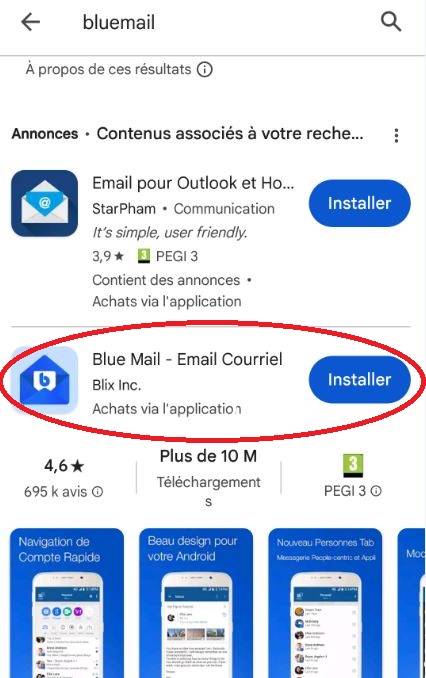
1. Download and install the ‘BlueMail’ app from the store, then open it.
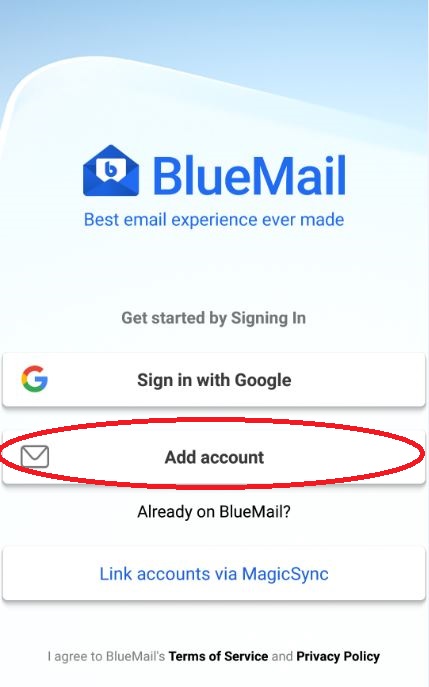
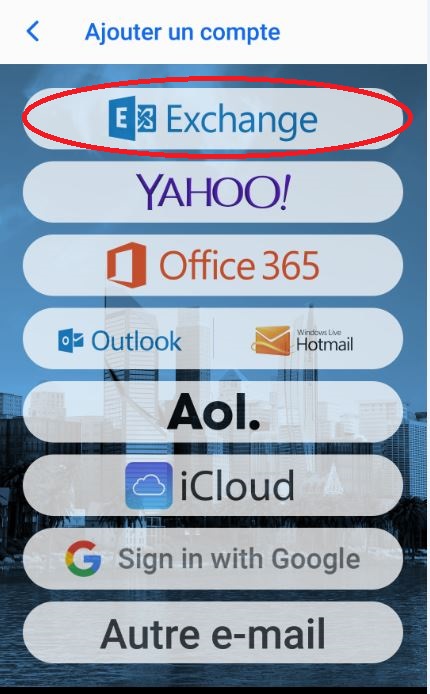
2. Select «Add account» then «Exchange»
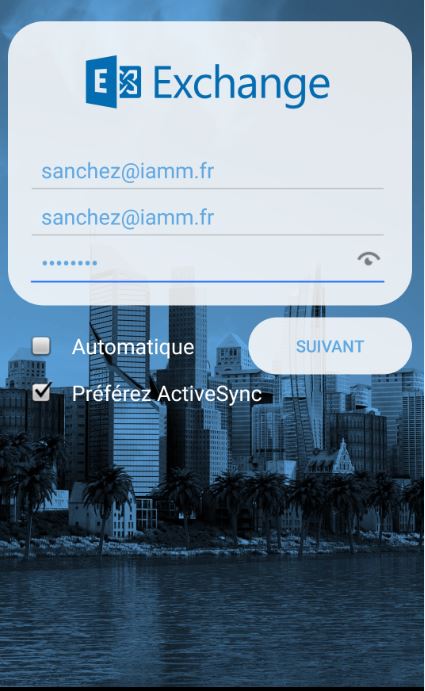
3. Enter your credentials: login@iamm.fr then your password
ATTENTION: uncheck ‘Automatic’
4. Change the name of the ‘Exchange Server» to webmail.iamm.fr
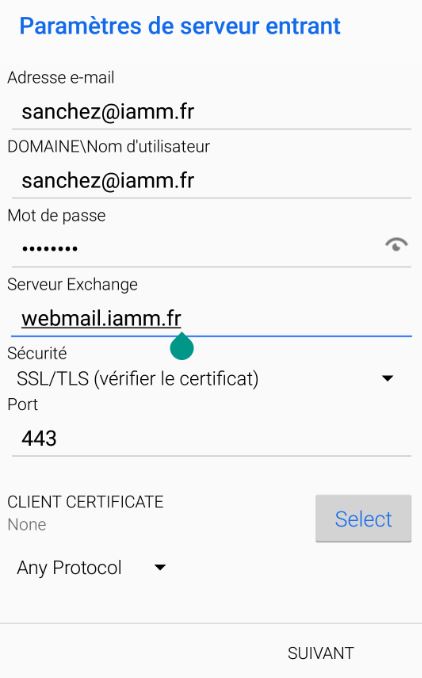
5. Fill in your personal information
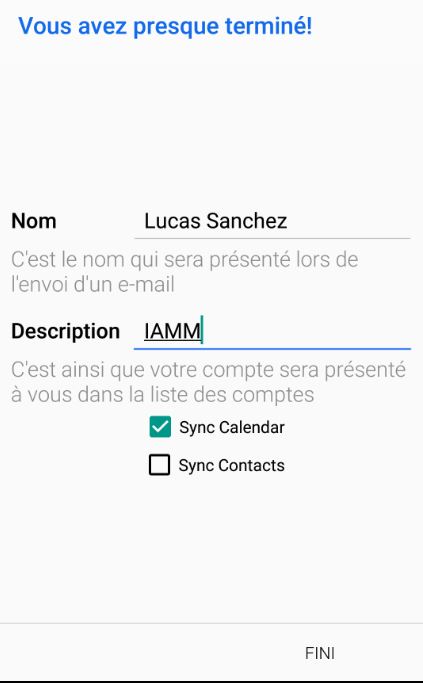
6. Finish setting up Blue Mail
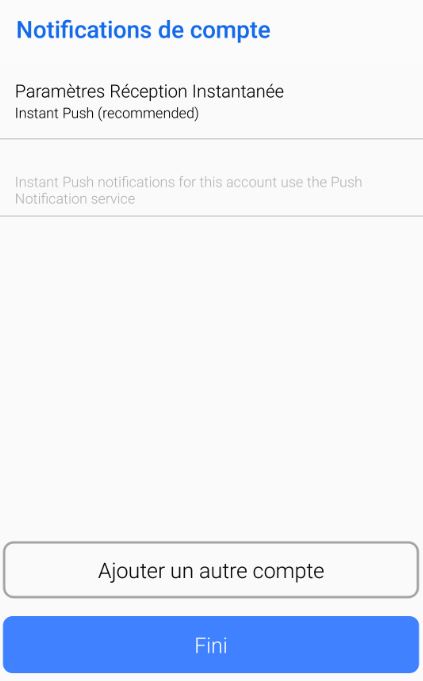
Validate the configuration on your smartphone, accept the application usage information.